
Buying guide · Digital Planner 2027
Digital planner 2027 for iPad: your week with a pen, without paper
A digital planner is a fully hyperlinked PDF file that you write in with an Apple Pencil or stylus. What matters is the layout, the navigation and whether you prefer to plan in portrait or landscape.
- GoodNotes, Notability, Noteshelf, Xodo
- iPad, Android, Windows
- Instant download
Updated: 20 October 2026 · Prices incl. VAT

The short answer
Which digital planner for iPad is the best for 2027?
For planning with goals and priorities, a weekly planner with clickable tabs. Depending on how you work:
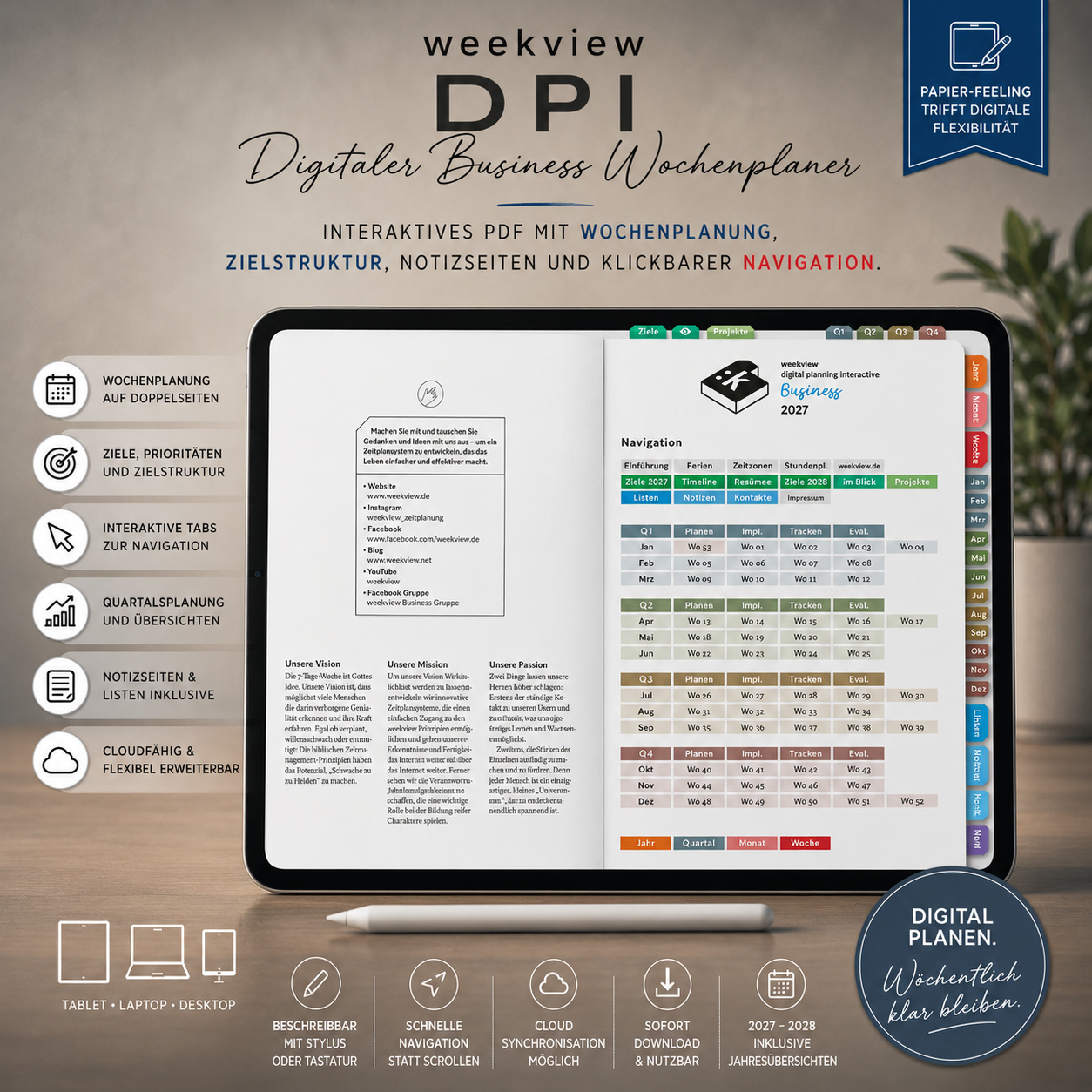
- iPad in landscape, the whole week without flicking: the weekview Digital Planner Business 2027, double-page (€29.95).
- iPad in portrait or a smaller display: the Digital Planner Business 2027, single-page (€29.95).
- Large iPad, lots of projects: the Digital Planner Pro A4 Business 2027 (€39.95).
- Weekly reflection rather than appointments: the Digital Planner Essentials 2027 (€29.95).
- Just notes with tabs: the Digital Planner notes, squared or dotted (€9.95).
Which type are you?
How do you plan on your tablet?
Tap the way you work.





Comparison
weekview Digital Planner 2027 compared
All planners are hyperlinked PDF files for PDF note-taking apps that support hyperlinks. As of 20 October 2026.
Swipe the table sideways →
| Criterion | Business 2027 double-page | Business 2027 single-page | Pro A4 Business 2027 | Essentials 2027 |
|---|---|---|---|---|
| Orientation | Landscape, week as a double page | Portrait, page by page | A4 portrait | A5 layout |
| Contents | Week, year, quarter, month | Week, year, quarter, month | Week, year, months | Weekly reflection, quarters, year |
| Notes | 42 notes pages + 20 lists | 42 notes pages + 20 lists | Notes pages | Notes pages |
| Navigation | Clickable tabs | Clickable tabs | Hyperlink navigation | With navigation |
| Ideal for | iPad in landscape, desktop | iPad in portrait, smaller tablets | Large tablets, projects | Personal development |
| Price | €29.95 | €29.95 | €39.95 | €29.95 |
The planners in detail
The weekview system, digital
The same weekly layout as the printed weekview – with priorities, quarters and goals.
Landscape · 42 notes pages · €29.95
Digital Planner Business 2027, double-page
The week lies in front of you as a landscape double page – appointments, priorities and notes at a glance. Clickable tabs let you jump between year, quarter, month and week.
View →
Portrait · €29.95
Digital Planner Business 2027, single-page
The same content, each page on its own in portrait – for iPads held upright and smaller displays.
View →
A4 · hyperlink navigation · €39.95
Digital Planner Pro A4 Business 2027
The weekview weekly layout in A4 format for large tablets. Write, highlight and sketch with an Apple Pencil or stylus.
View →
128 pages · €29.95
Digital Planner Essentials 2027
The weekly reflection tool in digital form: looking back on the week, the quarter and the year, with navigation.
View →
Squared or dotted · €9.95
Digital Planner notes
A digital notebook with tab navigation – to complement your weekly planner or on its own.
View →
Digital or printable · €14.95
DayPad 4.0 digital
For what matters most each day: time blocks, to-dos and a daily summary.
View →Questions & answers
Frequently asked questions about digital planners
Which digital planner for iPad is the best for 2027?
For planning with goals and priorities, the weekview Digital Planner Business 2027 (€29.95): double-page for an iPad held in landscape, single-page for portrait. For large tablets, the Digital Planner Pro A4 (€39.95).
Which apps does a digital planner work in?
In PDF note-taking apps that support hyperlinks, for example GoodNotes, Notability, Noteshelf or Xodo – on iPad, Android tablet or Windows.
What is the difference between single-page and double-page?
Double-page shows the week as a spread on one landscape PDF page; single-page shows each page on its own in portrait.
Do I need an Apple Pencil?
For handwritten planning, yes – or another stylus. The navigation also works with a tap of your finger.
Is the weekview planner also available in print?
Yes, as the Business Planner 2027 A5+, Business Planner Pro A4, compact note and compact extended.
Prefer paper?
The same system is available in print, made in Germany.